
Security
Your money. Your control. Our protection.
Controls you set, protection that's on from day one, and an off switch for when something looks wrong.
Built in
Secure for everyone, from the first sign-in.
Enter the code sent to ••• 4417
Verified
Proof it's you
Signing in on a new device asks for a one-time code sent to your phone, not just a password.
Your bank login
Chase checking
•• 12
Your bank login stays with your bank
Accounts connect through a secure bank-linking partner. OneCard never sees or stores your bank login.

Golf Trip ⛳
••••••••••••4821
04 / 28
Card details, only when you ask
The full card number and CVV stay hidden until you confirm with Face ID or your passcode.
Maya spent $36.20 at Whole Foods
Bryan spent $42.10 at Shell
Every charge, on your phone
You're notified when someone spends on a card you manage. If something doesn't look right, you can lock your account in one tap.
Roles
Everyone gets the right role.
Each person has one role on each card. Admins decide who can spend, who just watches, and can change it anytime.
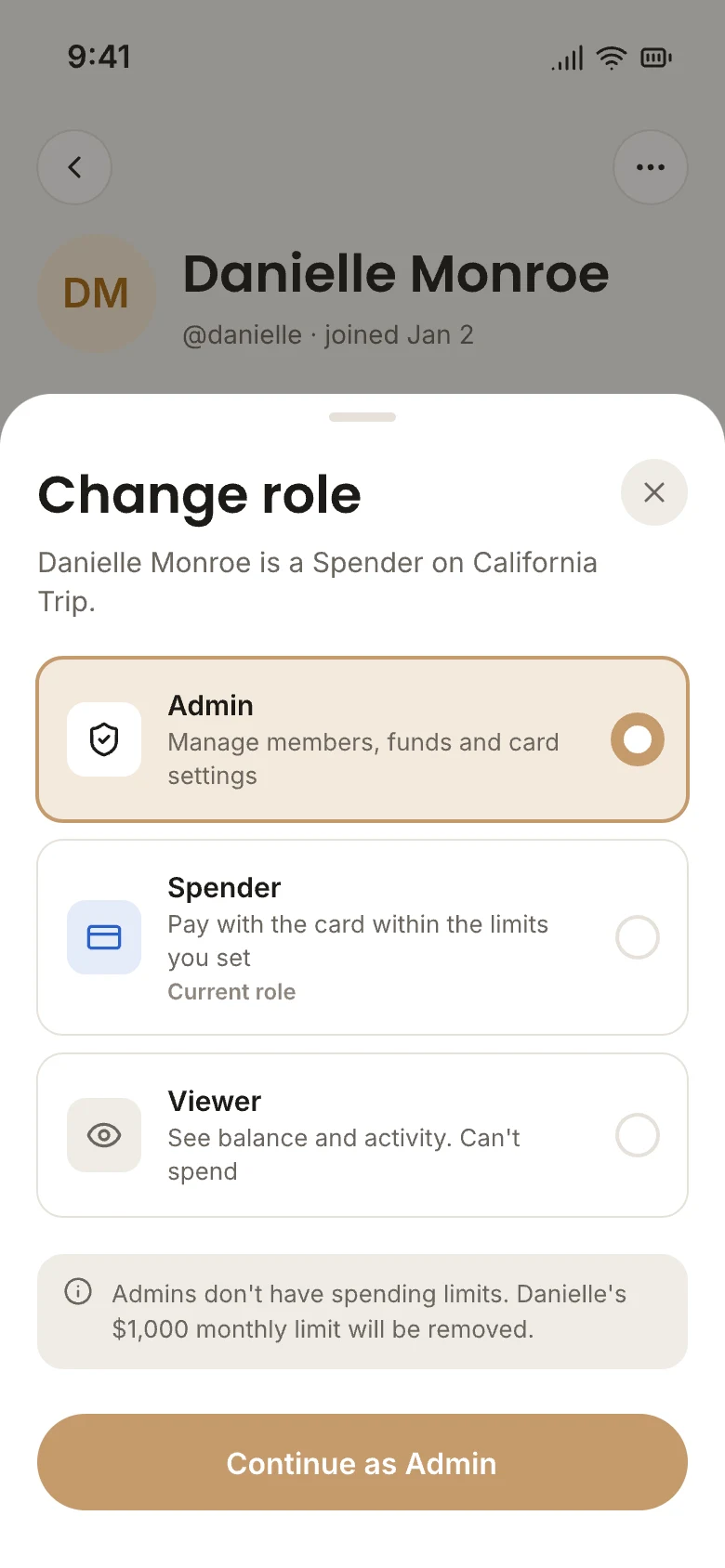

One role per card
Admin, Spender or Viewer. Admins choose, and can change it anytime.
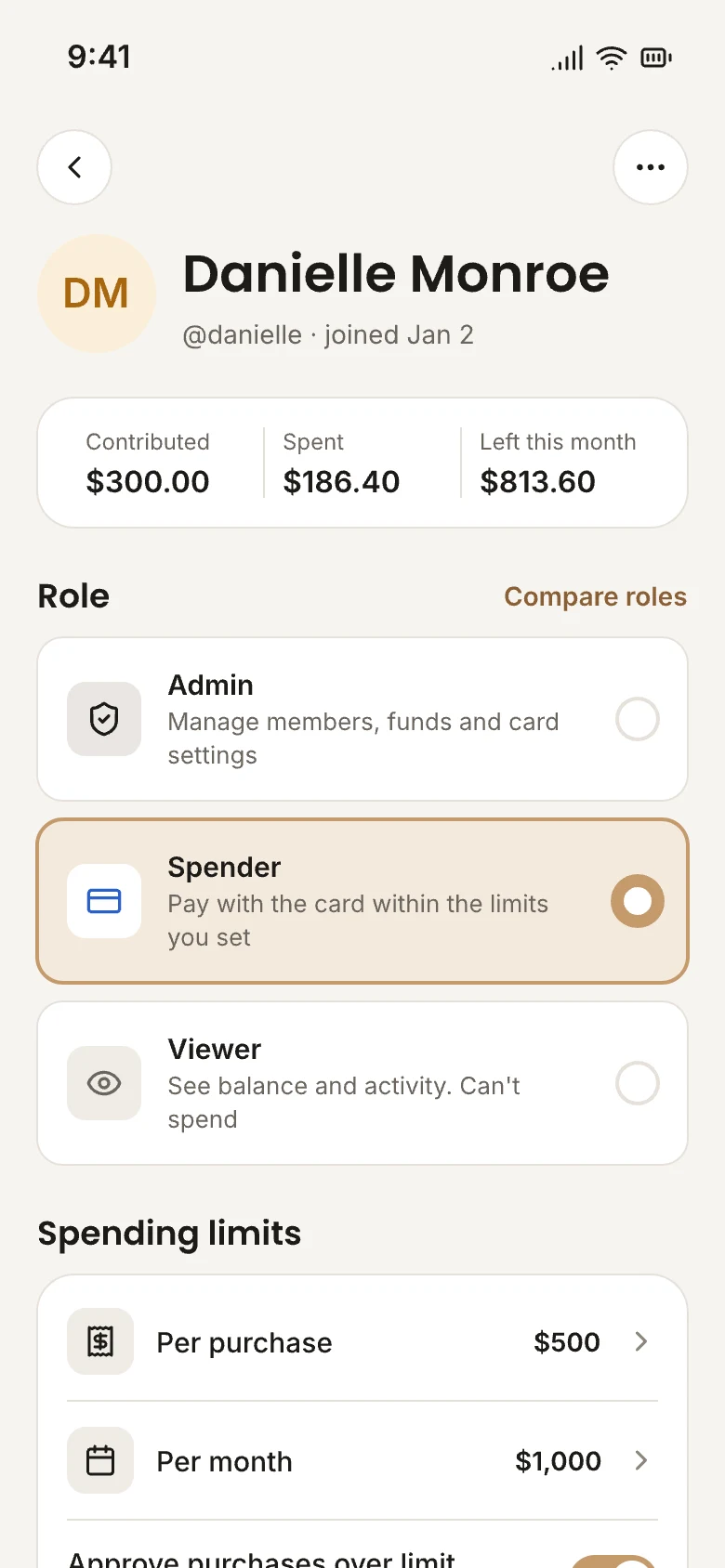
Set per person
Each person's role, limits and access live on their own page.
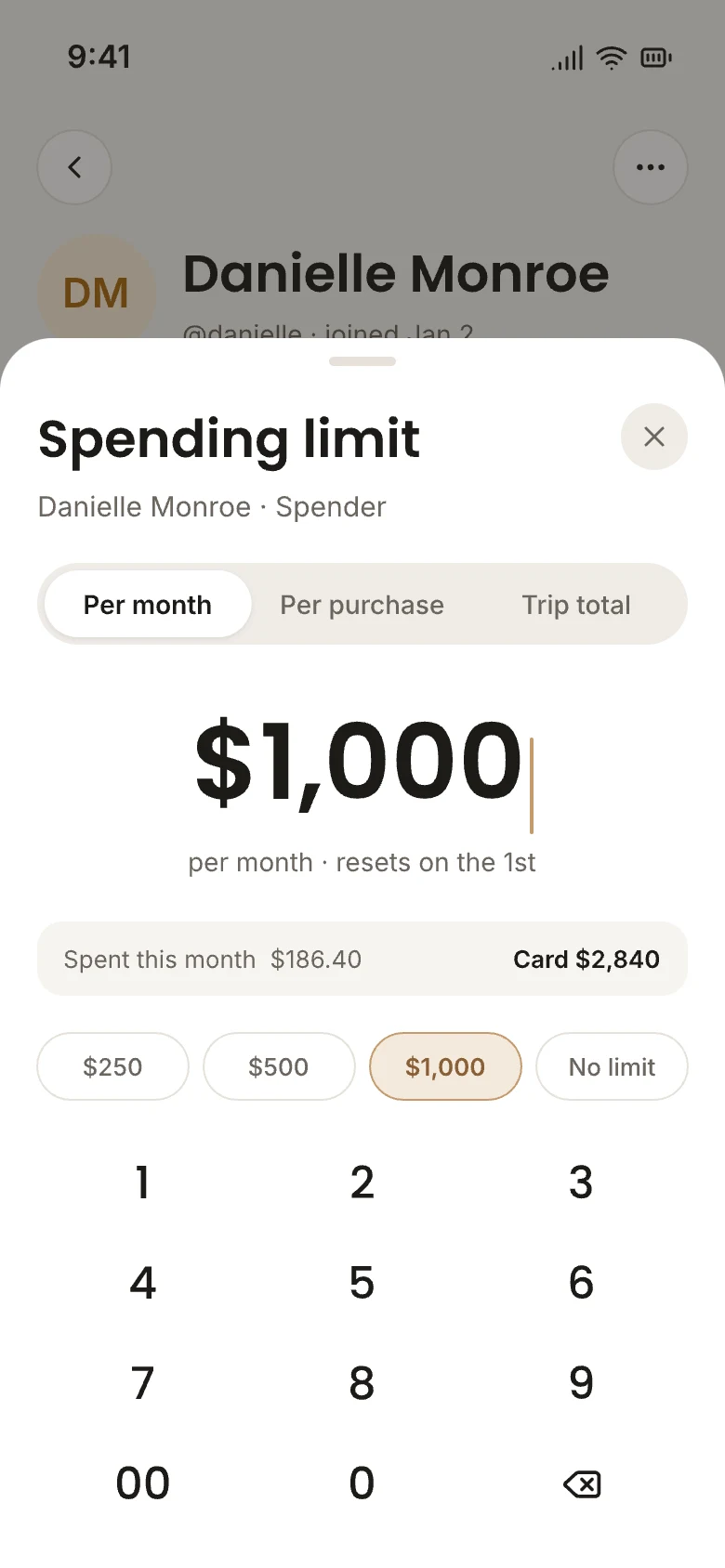
Limits that fit
Per purchase, per month, or for the whole trip.
Card controls
Then set the rules.
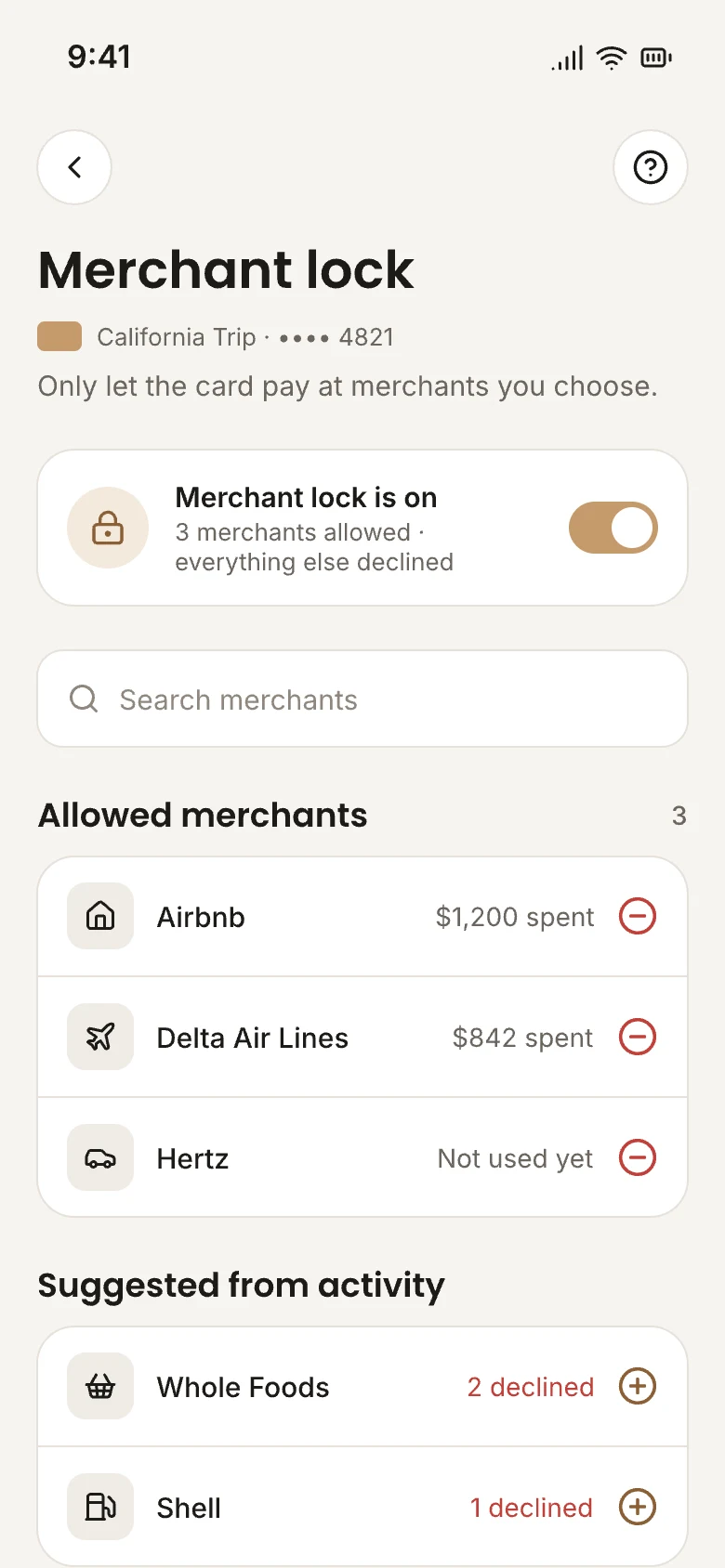
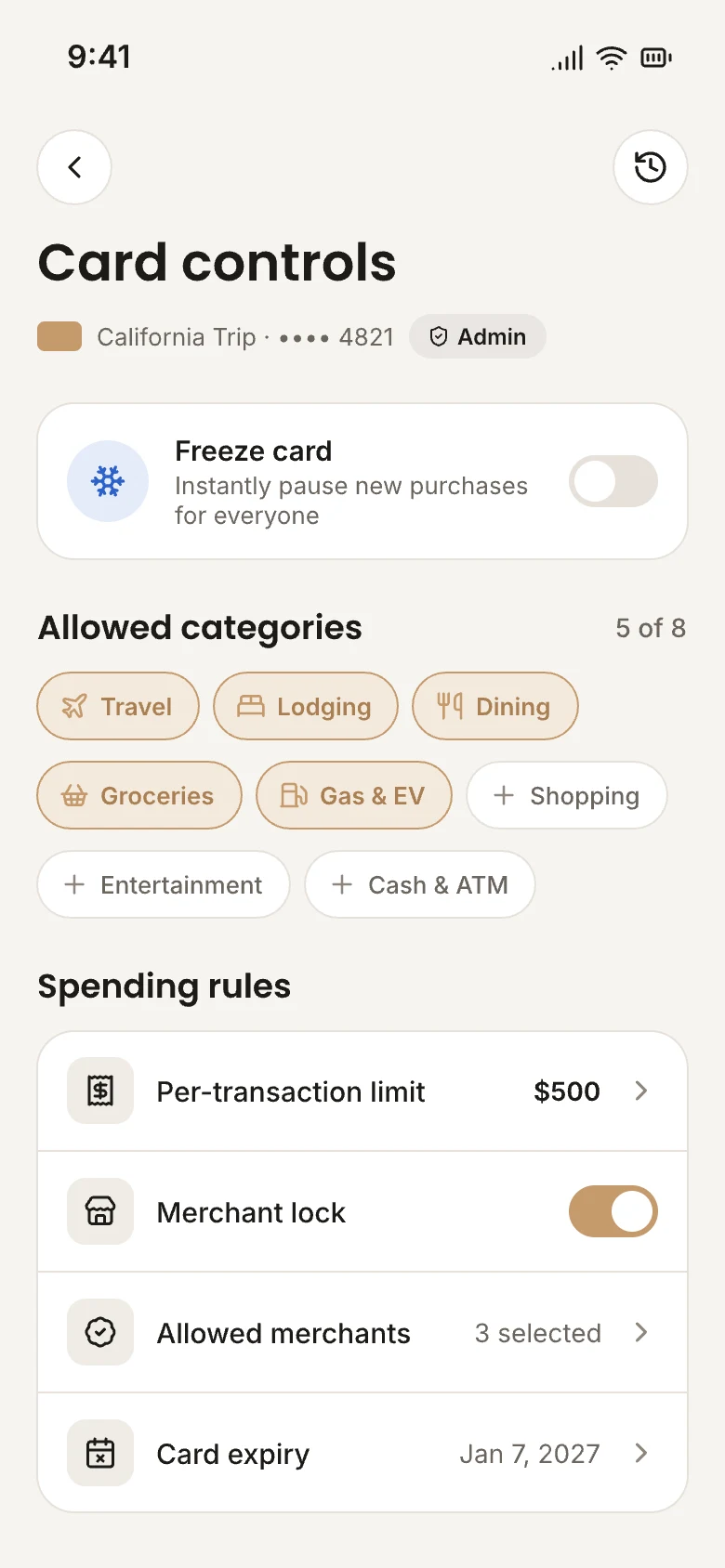
Set limits per purchase, lock a card to the categories it's for, and freeze it in one tap. One-time cards switch themselves off when they expire.
Ski Weekend 🎿
••••••••••••4821
04 / 28
Freeze card
Try it
Per-purchase limit
$500.00Allowed categories
Card expires
After the trip · Feb 2

In the app
If something looks wrong, you're a tap away.
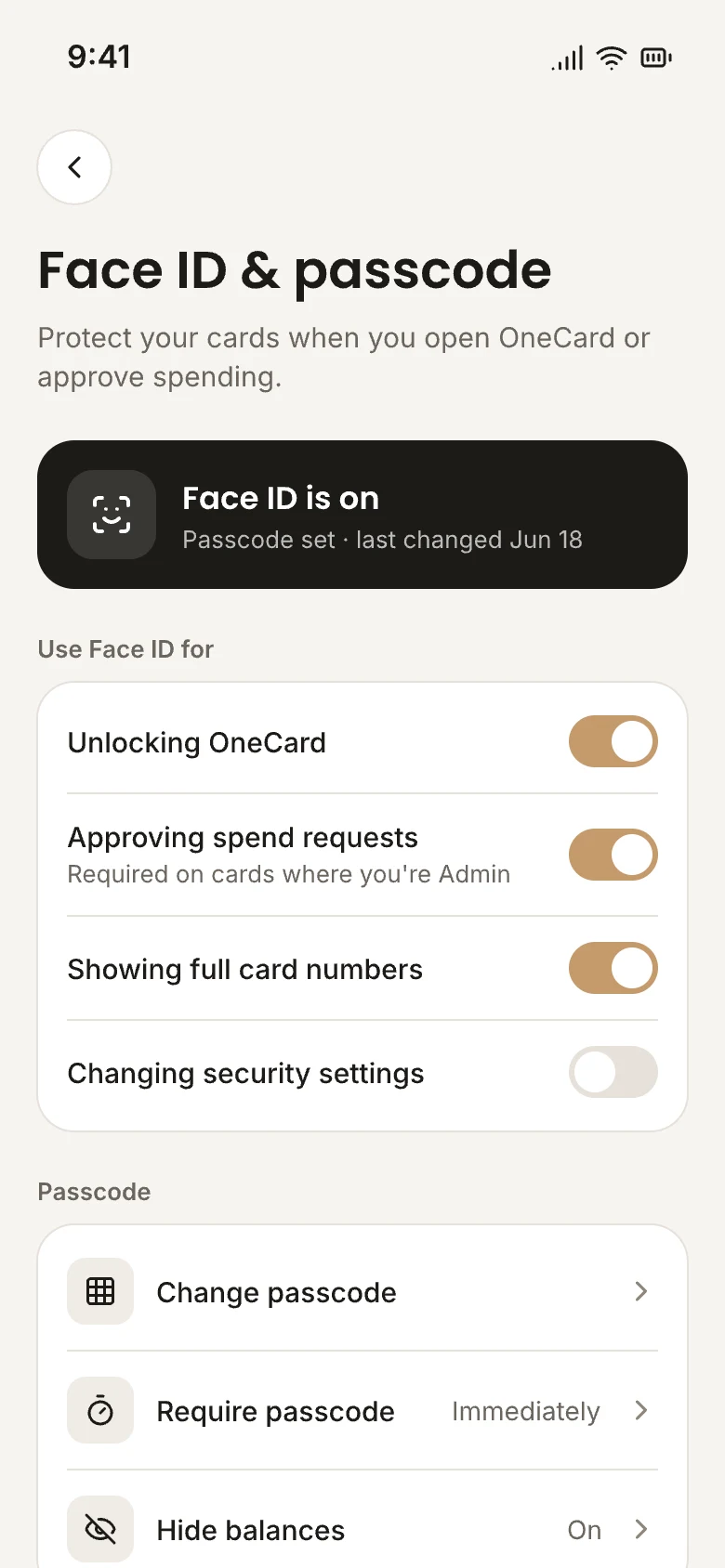
Face ID and passcode
Your face or a 6-digit passcode unlocks the app and approves spend requests.
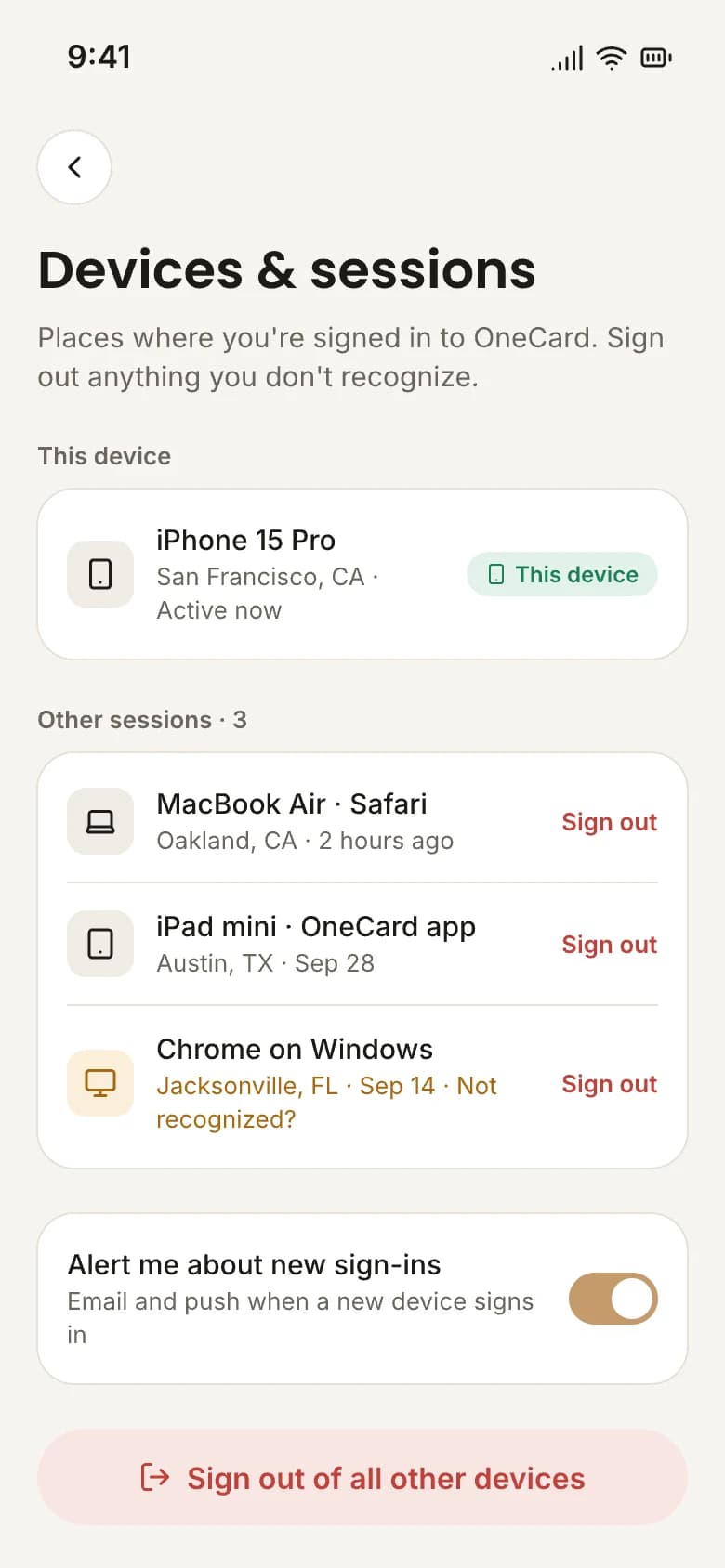
Every device, listed
See everywhere you're signed in, and sign out anything you don't recognize.
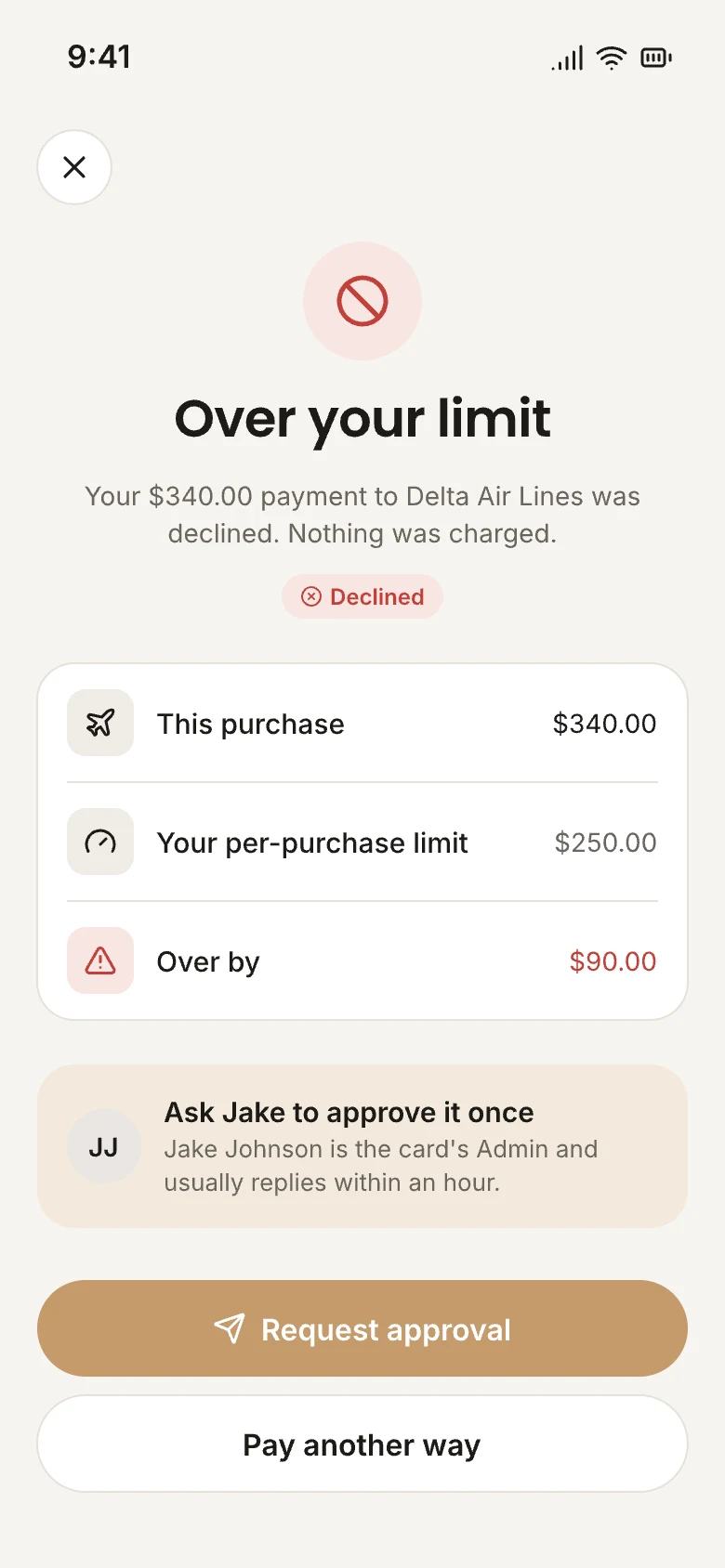
Limits that hold
A purchase over someone's limit is declined, and nothing is charged. They can ask an Admin to approve it once.
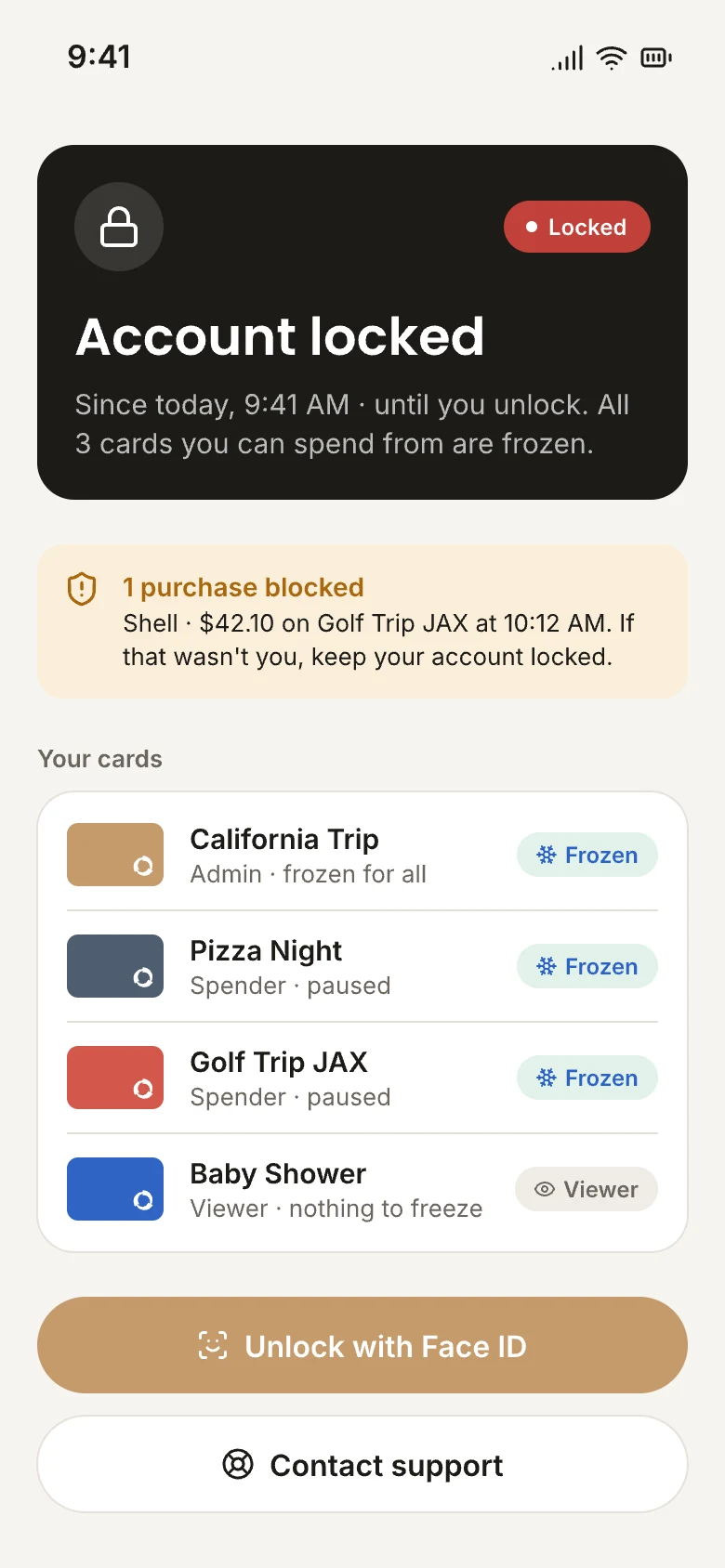
Lock everything at once
Lost your phone? Lock your account and every card you can spend from is frozen instantly.
Your data stays yours.
We collect only what we need to run the service, and we never sell your personal information. The details are all in one place.
Read the Privacy PolicyProtected by design
Start a group, set the rules, and know you can switch it off anytime.