
How It Works
Start. Split. Go.
Four steps, about a minute, and no one fronts the bill.
01
Start a card
Name it for what it's for, like Austin Trip, Apartment or Team Lunch. Then send the invite link by text or email.
- Takes about a minute
- Invite by link, text or email

Austin Trip 🤠
••••••••••••4821
04 / 28
onecardapp.com/join/austin-tripInvite Mayajoined
 Ryanjoined
 Jessjoined
02
Set the split
Equal, by percentage, or fixed amounts per person. Change it whenever the group changes, and the next purchase follows the new split.
- Equal, percentage or fixed
- Change it anytime
Airbnb · Austin
$480.00
- Maya$120.00
- Ryan$120.00
- Jess$120.00
 Devin$120.00
Everyone pays the same
03
Everyone connects
Each person links their own bank account or debit card. That's the only setup they ever do.
- Their own account
- Never pooled
 MayaChase ••12
 RyanDebit card ••88
 JessAffirm
 DevinWells Fargo ••03
Each account stays private to its owner
04
Go.
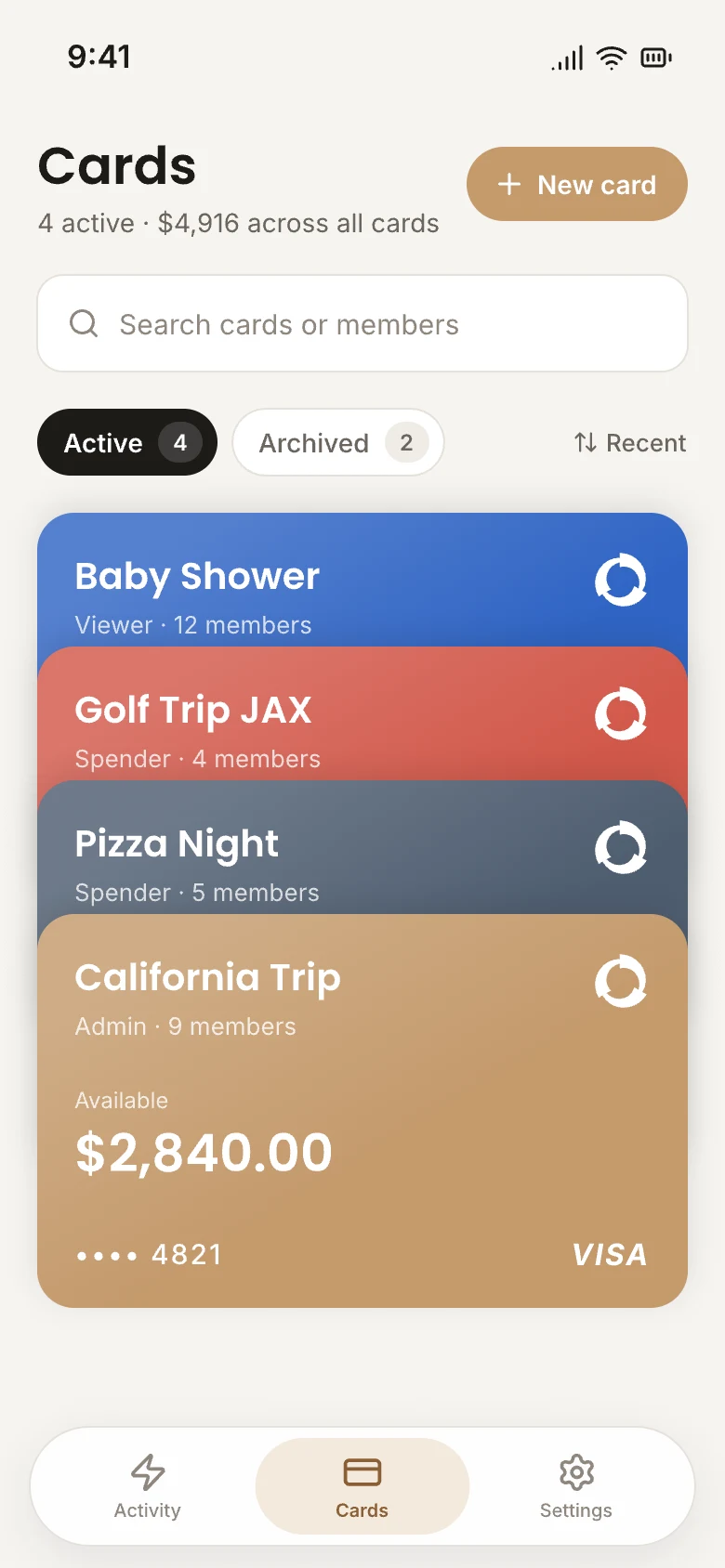
The card is live the moment the group is. Add it to your phone's wallet to tap in stores, or use the number online.
- Mobile wallet ready
- Anywhere major networks run

At the register
One tap. Four charges. Same moment.
There's no shared balance and no one in the middle. The purchase is split as it's made, and each share is drawn straight from that person's own account.
Austin Trip 🤠
••••••••••••4821
04 / 28
Maya
Chase ••12
Ready
Ryan
Debit card ••88
Ready
Jess
Affirm
Ready
Devin
Wells Fargo ••03
Ready
Built in, on every card
You set the rules
Per-purchase limits, total budgets and merchant categories.
Every charge, live
Each person sees what was bought and what they paid, as it posts.
 Whole Foods$36.20
 Shell$18.75
 Airbnb$120.00
Locked to you
Face ID or your passcode opens the app, and new devices need a code sent to your phone.
•••• 4821
Face ID · passcode